AI-powered raster to vector

Turn any image into a
perfect vector

Upload your illustration, logo, or AI artwork. Get a crisp, scalable SVG in seconds — ready for print, embroidery, or any size screen.

Try Scaylr free See examples
10s
avg. processing
SVG
PDF · PNG · JPG
scale without loss
4
style presets

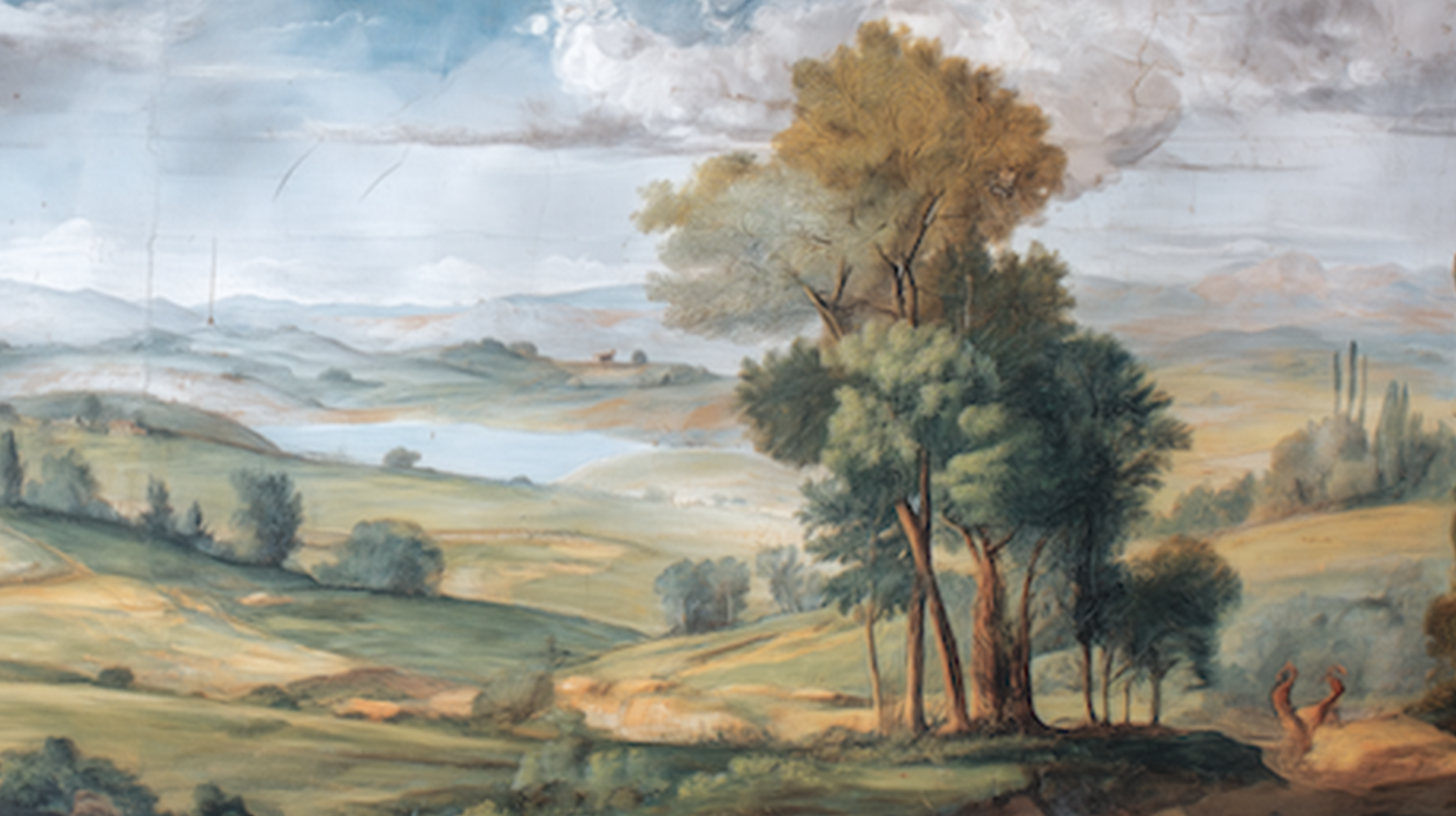
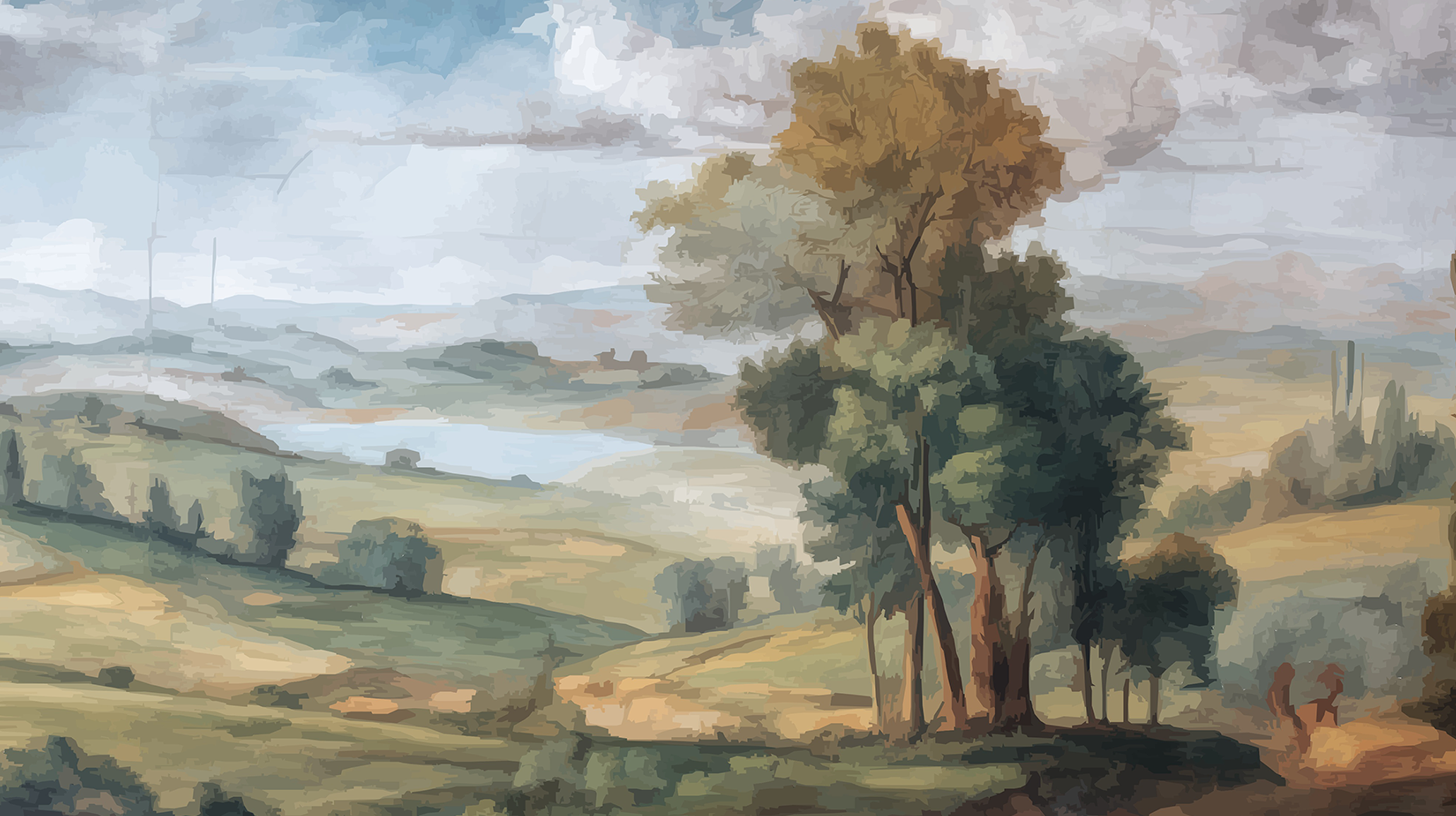
See the difference

Drag the slider to compare the original raster image with the vectorized output.
Vector result
Original
Original
Scaylr

Three steps to
vector perfection

01
Upload your image
Drop a PNG, JPG, or WebP — up to 20MB. Works with AI art, illustrations, logos, photos, and clipart.
02
Choose a style
Pick from Flat Design, Artwork, Rich Detail, or Logo presets. Processing starts automatically in seconds.
03
Download & use
Export as SVG, PDF, PNG, or JPG. Your vector is ready for Canva, Illustrator, Figma, or print-on-demand.

Click any image to
vectorize it

No upload needed — just click and watch it process.

Or upload your own image — it's free

Everything you need,
nothing you don't

Fast processing
Average processing time under 10 seconds. No waiting around — your vector is ready almost instantly.
🎨
4 smart presets
Flat Design, Artwork, Rich Detail, and Logo presets — each tuned for different types of images and use cases.
📐
Infinitely scalable
SVG output scales to any size without losing quality. Perfect for banners, mugs, t-shirts, or a billboard.
📄
Multiple export formats
Download as SVG, vector PDF, high-res PNG, or JPG. Compatible with every major design tool.
🖨
Print-on-demand ready
Output is optimized for POD platforms like Printful, Gelato, and Printify — clean paths, right formats.
AI art compatible
Built for Midjourney, DALL-E, and Stable Diffusion outputs. Handles gradients and complex AI illustrations.

Simple, honest pricing

Start free. Upgrade when you're ready. No hidden fees.

Free
$0/ mo
Perfect for trying it out and occasional use.
  • 5 conversions per day
  • SVG & PNG export
  • All 4 presets
  • PDF export
  • Priority processing
  • Batch processing
Get started free
Studio
$29/ mo
For teams and agencies processing at scale.
  • Unlimited conversions
  • All export formats
  • All presets + advanced controls
  • Priority processing
  • Batch processing
  • API access
Contact us

Questions answered

You can upload PNG, JPG, JPEG, WebP, BMP, GIF, and TIFF files up to 20MB. For best results, use PNG with a transparent background if your image has one.

You can export as SVG (true vector, infinitely scalable), PDF (vector, ideal for print), PNG (high-res raster, up to 6000px), and JPG. SVG and PDF are the recommended formats for print-on-demand.

Yes — it's built with AI art in mind. Midjourney, DALL-E, Stable Diffusion, and Firefly outputs all work well. The Artwork and Rich Detail presets are specifically tuned for AI-generated illustrations.

Yes. SVG files can be imported directly into Figma, Adobe Illustrator, Canva, Affinity Designer, and any other vector editor. PDF exports work with InDesign and print workflows.

Yes. The output belongs to you. You can use it on Printful, Gelato, Printify, Redbubble, Merch by Amazon, or any other POD platform for commercial products.

Most images process in 5–15 seconds. Complex images with lots of detail may take up to 30 seconds. Pro plan users get priority processing which is typically 2–3x faster.

Your images are processed on our servers and automatically deleted after 24 hours. We do not use your images for training or share them with third parties.

Ready to vectorize
your first image?

No account needed. Free to try. Results in seconds.

Start vectorizing free →